.png)
 1 month ago
24
1 month ago
24
Dotstorming is a digital point of centralization for a class to help get everyone contributing as a team.
While real-world voting and brainstorming can leave out the quiet voices, this tool works to help everyone have a say. It's equal parts digital sticky notes and voting system, all working live in the room.
This is a simple tool at its heart, offering voting to the class, but in a way that's powerful in its potential output. With the option to span in class use and hybrid learning models, this is a helpful way to keep the class focused as a group.
This guide aims to lay out all you need to know about how Dotstorming could work for your class.
What is Dotstorming?
Dotstorming is a digital tool that is browser-based for easy access across the class and devices available. This works as a brainstorming and decision-making system that lets the group share ideas and vote in real time.
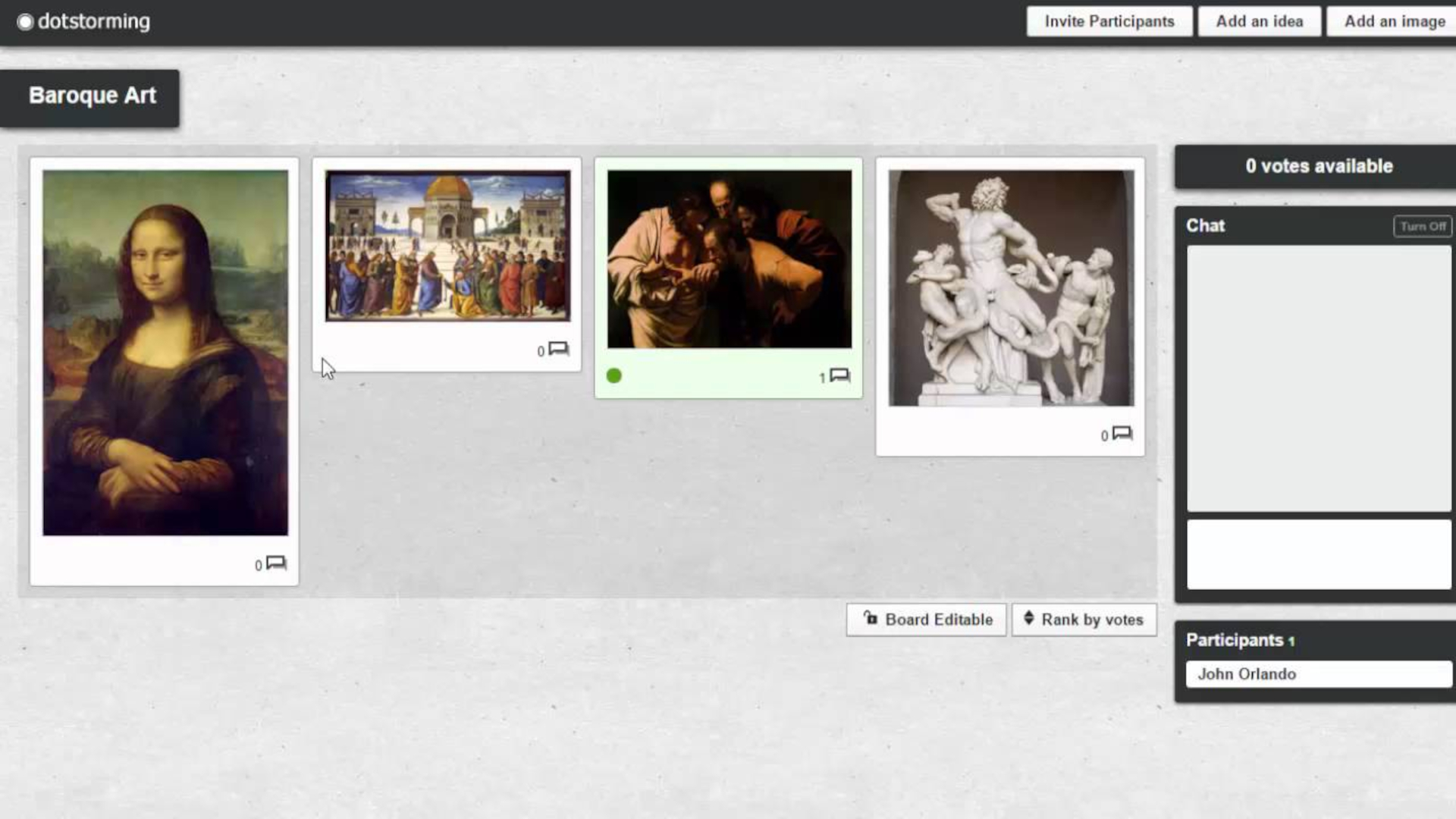
Use text, images, videos, and PDFs, as the virtual board system allows for a range of materials to be shared in the class for discussion purposes.
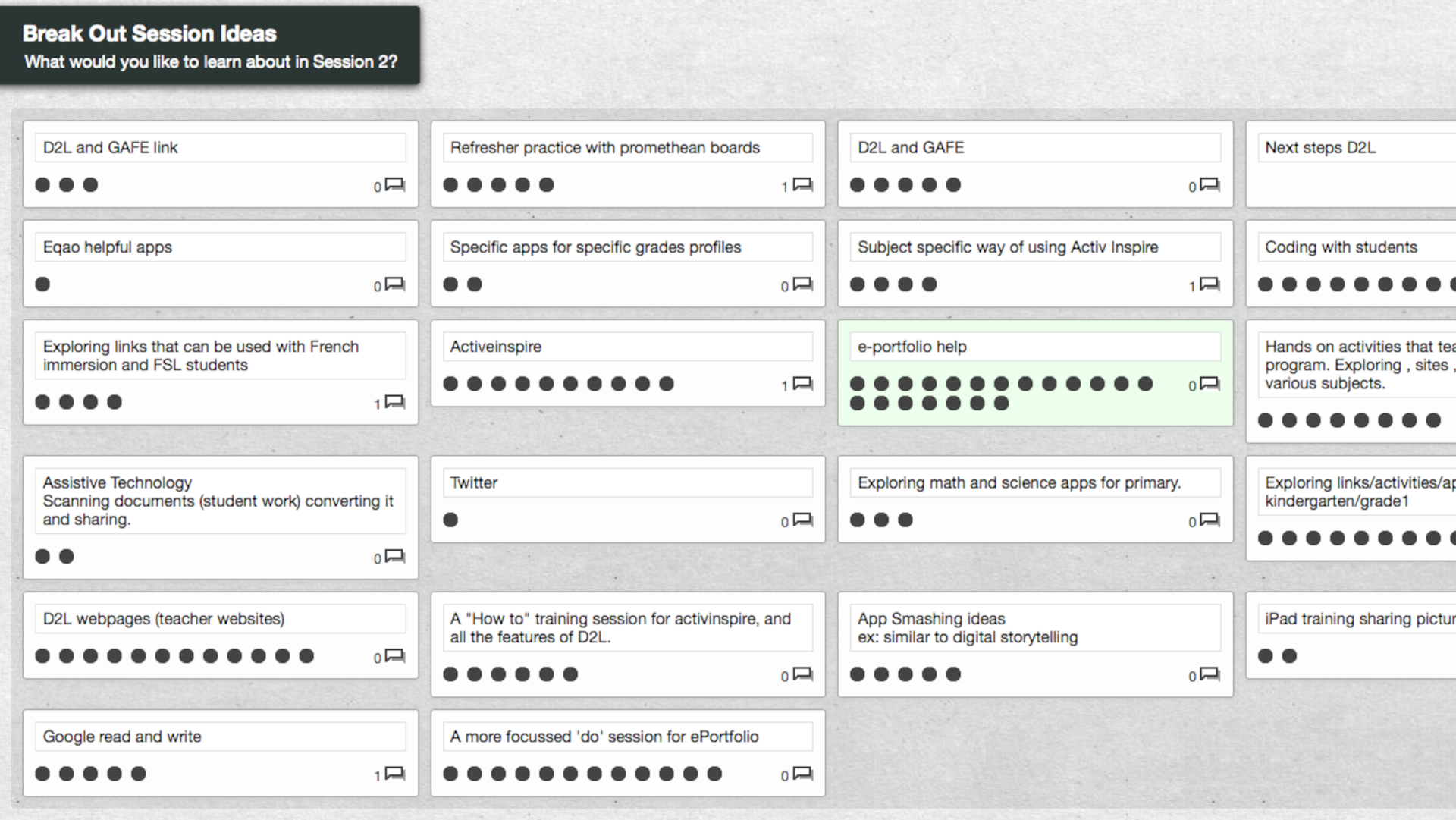
This, used in conjunction with the "dot voting" system, allows the students to participate in group decisions instantly. Teachers can then cut the debate and noise when trying to get directly to a group consensus, or gauge of class opinions on a matter.
Easy organization of these "boards," by popularity, allow for further streamlining of this process for use in class with minimal teacher effort.
How does Dotstorming work?
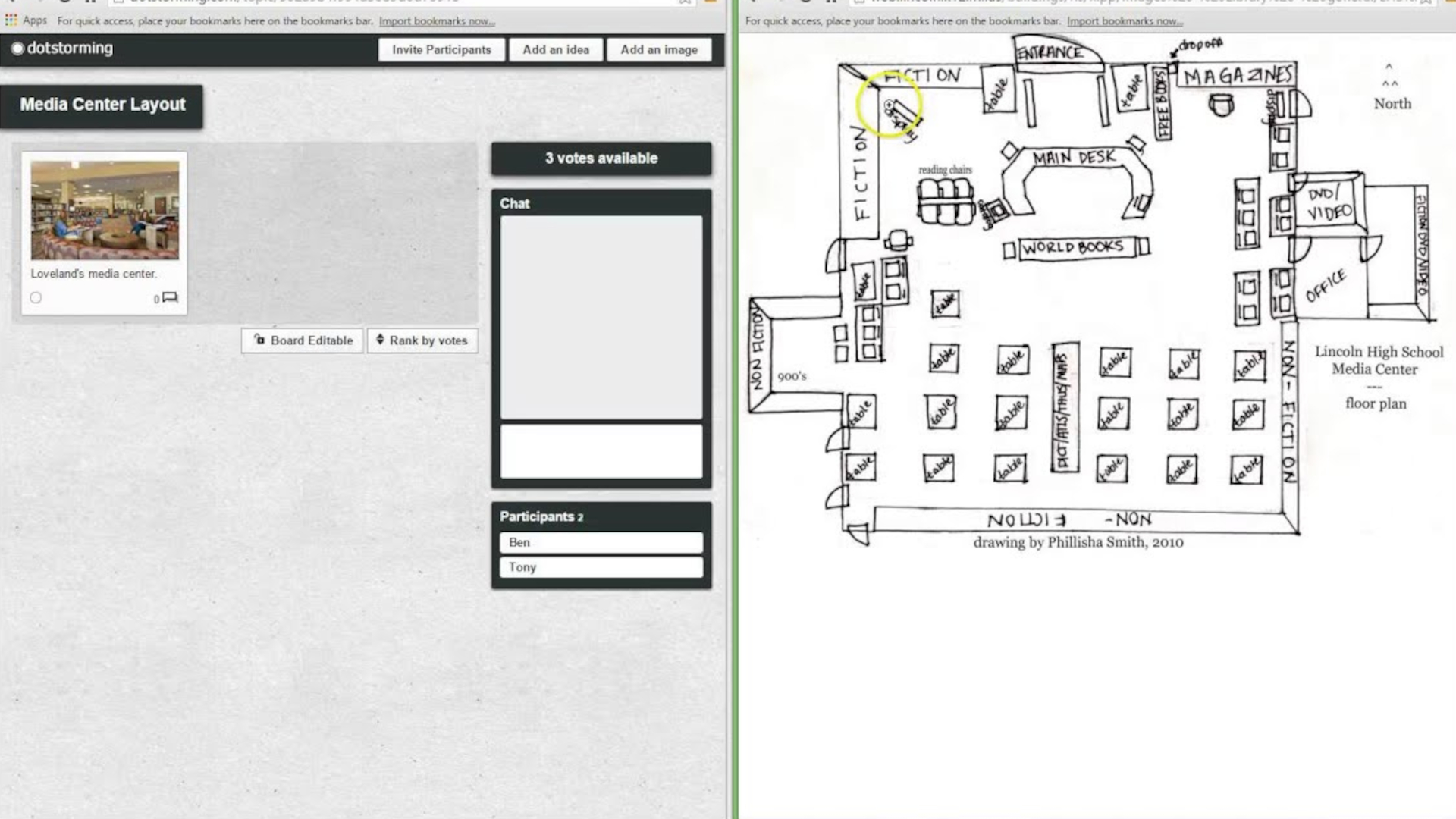
Dotstorming offers teachers a space to create boards that can then be shared with students via a link. Since there is no login needed, or special devices thanks to browser access, this can be used across student devices easily.
Students are then able to add their own ideas in a post-style system using text, images, and videos. They can see the contributions of others and vote on preferred ideas using their limited number of votes to pick and choose.
For teachers, there is the chance to manage the number of votes each student has before letting them take part. Control over chat and commenting is also available, with the option to disable. Finally, teachers can also lock submissions ready to move onto voting as the only option, for simplicity.
Once voting is all done, the results can be stored and used as part of future discussions or lesson planning. All that helps this become a useful formative assessment tool as well as prioritization pointer.
What are the best Dotstorming features?
Dotstorming works in real-time so group collaboration, at speed, is possible without getting lost in debate or counting of votes. That can result in high-energy and inclusive lessons while keeping everyone involved in voting.
The rich media support makes this a powerful tool to use across a range of subjects. That means using images, videos, text, and PDFs to help teachers bring in ideas but also to allow students a way to freely express themselves.
The sticky note-style layout on the board makes for a very visually engaging way to share information. It strikes the balance between digital and analogue that feels easy to use while still staying efficient and organized.
The fact students can join in with a simple link and their name, without account creation being necessary, is a hugely powerful part of how easy and effective Dotstorming is for use in classes, even for the first time. It also supports student data privacy.
How much does Dotstorming cost?
Dotstorming works on a freemium model. That means you have two levels:
Free: Limited boards and topics, but fully functional for basic classroom use.
Paid plans: Offer expanded usage and additional features (pricing varies).
For many teachers, the free tier is enough to run effective sessions, especially if boards are reused.
Dotstorming best tips and tricks
Start with a focused prompt
Clear, specific questions lead to better quality ideas and more meaningful voting.
Limit the number of votes
Restricting votes forces students to prioritize rather than select everything.
Use it for checks
Have students post what they don’t understand, then vote to surface key gaps.






 English (US) ·